The QR Code Trap: How “Quishing” Scams Steal Accounts Without Looking Suspicious
admin
Author
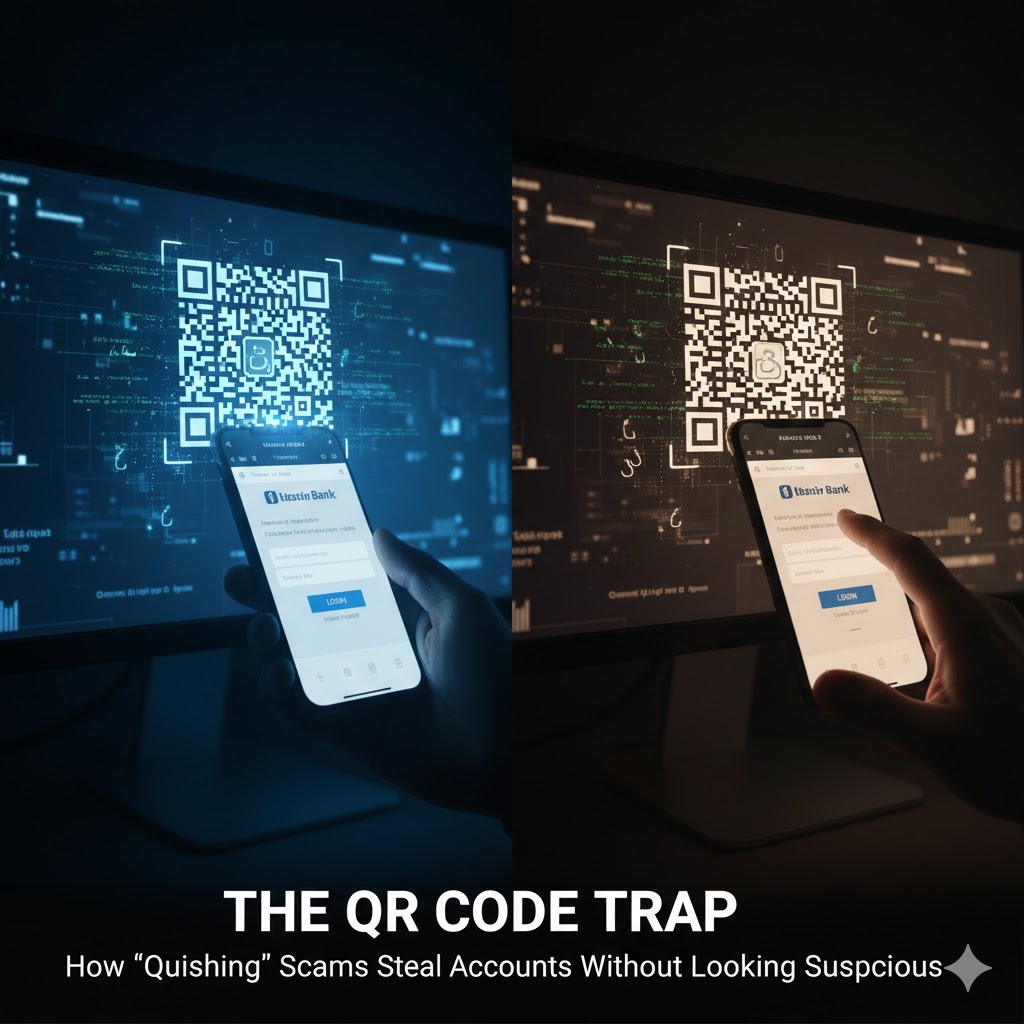
QR codes are one of the smartest inventions of modern life.
No typing. No searching. Just scan and go.
And that’s exactly why scammers love them.
Because a QR code does one powerful thing: it hides the destination until the last second—right when your brain is in “convenience mode,” not “security mode.”
This is the rise of quishing: phishing using QR codes.
Why QR Code Scams Work So Well
Most people have learned to be suspicious of links in emails and messages.
But QR codes feel different:
-
they look official
-
they’re often printed on paper (menus, posters, flyers)
-
scanning feels like a “feature,” not a risk
-
the phone opens a page instantly before you think
Scammers don’t need to hack your phone. They just need you to trust the scan.
The 4 Most Common QR Code Scams
1) The Fake Login Page
This is the most dangerous one.
You scan a code and it takes you to a page that looks like:
-
Google / Microsoft
-
Facebook / Instagram
-
your bank
-
your delivery company
-
your workplace portal
It says something like:
-
“Verify to continue”
-
“Session expired — log in again”
-
“Confirm payment details”
You enter your credentials… and you’ve handed them over.
Why it’s effective: Your brain thinks “I scanned a QR in real life, so it must be legitimate.”
2) The “Pay Here” Switch (Payment Redirection)
You’re at a shop, a counter, a parking spot, a donation box—there’s a QR code to pay.
Scammers place a sticker QR over the real one, so payments go to them.
Sometimes it’s subtle:
-
same logo
-
similar business name
-
“Payment successful” screen still appears
Result: You paid the wrong account and may not realize until later.
3) The Malicious App Download
You scan a code and it says:
-
“Install this app to access Wi-Fi”
-
“Download this courier app to track your package”
-
“Install the security update”
If it pushes you outside official app stores, that’s a huge warning sign.
Result: You may install spyware, adware, or an app that steals OTP codes.
4) The “Free Wi-Fi” Trap
A QR code claims to connect you to Wi-Fi easily.
It opens a captive portal asking for:
-
phone number
-
email
-
sometimes even a login
Even if it’s not malware, it can be data harvesting.
Result: Your personal details get captured, and you get targeted later with more convincing scams.
The Most Dangerous Moment: Right After You Scan
The critical mistake people make is this:
They scan → see a familiar logo → continue without checking the address.
But with QR scams, the whole trick is that you didn’t see the URL beforehand.
The 10-Second Safety Check (Do This Every Time)
Before you type anything or pay anything, check these:
-
Look at the web address (URL)
-
Is it the real domain or a weird variation?
-
Extra hyphens, misspellings, random letters = danger.
-
-
Is it asking you to log in for no good reason?
-
Menus and posters usually don’t need your password.
-
-
Does it create urgency?
-
“Your account will be locked”
-
“Pay now to avoid penalty”
Urgency is a classic control tactic.
-
-
Is it pushing an app install?
-
If it’s not from the official store, stop.
-
-
For payments: confirm the receiver name
-
Take 2 seconds to verify it matches the real business.
-
If anything feels off, don’t “just try.” That’s how you lose accounts.
How to Protect Yourself Without Becoming Paranoid
Use your camera preview wisely
Most phones show a preview of the link when you scan.
Pause and read it before you open.
Don’t log in from QR scans
If a QR scan asks you to log in:
-
close it
-
open the app/website manually
-
log in from there
This one habit blocks a huge number of attacks.
For public QR payments: treat the QR like cash
If it’s a printed QR at a counter:
-
check if it looks like a sticker placed on top
-
ask staff to confirm the official QR
-
verify recipient details before paying
Keep your accounts resilient
Even if someone steals a password:
-
use an authenticator app (not only SMS)
-
enable login alerts
-
secure your email first (email resets everything)
A Quick Story to Remember
A QR code is like a door.
When you scan it, you’re opening a door without seeing where it leads.
Most doors are safe.
But the moment you stop checking, scammers win.
Your goal isn’t fear. It’s awareness.